How it works
A film, one link for guests, their own song, and a page for afterwards.
The film leads, and it always has music. Most families begin by sending the guest link to the family group chat. A funeral home or a tribute maker can open the tribute for you and send you the link.
Why we made it
In the week of a funeral, the photographs are in twenty different phones.
Someone has to find them, ask for them, sort them, and turn them into something that can be shown on a screen by Friday. It usually falls to one tired person, late at night, with software they have never used.
Tribute Studios takes that job and makes it small. One link gathers the photographs. One page lets the family choose. The film is prepared for you, and it can be prepared again as often as you like until it is right.
The song sits beside it. A few true lines about a person, set to music, can say what a slideshow cannot. It is made with AI from your words, and it can be the film's soundtrack or stand on its own.
Step 1 of 4
Photos.
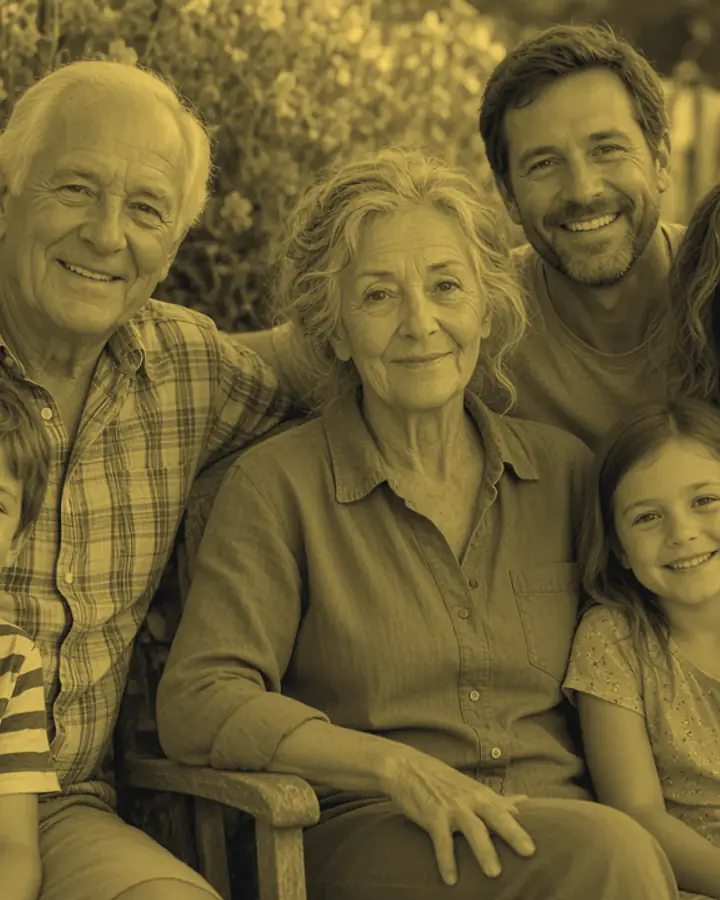
Share one guest link
Open a tribute with a name and the dates. You get one private link to send to family and friends.
- Guests add photographs and short clips straight from their phones. No account, no app.
- Each guest can add a caption and a memory. Photographs can be up to 8 MB and clips up to 30 MB.
- Scratched, faded and black and white prints are retouched automatically as they arrive.
- The same photograph sent twice is only kept once.
- The guest link can add things and nothing else. It cannot see what others have added.
Send it by text message, email or a family group chat.
Step 2 of 4
Film.
Choose, and prepare the film
The family decides what belongs. Nothing a guest adds goes into the film until someone close has chosen it.
- Include or leave out each photograph, and drag them into order.
- Set the centre of each photograph, so the gentle movement settles on the right face.
- Pick a look: Their colour, Soft focus, Gallery, Cinema, Keepsake, Collected memories, Light.
- Choose the music, then prepare the film. It is a 1080p MP4 at 1920 by 1080, up to 15 minutes long.
Every photograph is shown whole. Clips stay short and silent, and the film ends with the music. Change anything and prepare it again at no cost.
Step 3 of 4
Song.
Add their own song
Their own song, made with AI from your words. It is its own product: keep it on its own, or make it the film's soundtrack.
- Start from a story, bring lyrics you have already written, or choose music without words.
- Add, rename and reorder sections. Lock a verse you love so nothing changes it.
- Pick one of six sound directions and say how their name is pronounced.
- The music is made with AI from those words and that direction. You hear a free short preview before you pay.
- Download the lyric sheet at any time. Your draft is saved in your browser, on your device.
Writing in the song studio is free, with no account. The song is $49, and each one after the first is $29. The AI music service is not connected in this preview, so today the studio gives you the words and the musical direction, not an audio file.
Step 4 of 4
Page.
Share a memorial page
After the service, the film, the biography and the memories people left can live on one quiet page.
- The page is unpublished until the person holding the tribute chooses to share it.
- Only the memories you choose to show are shown.
- Search engines are asked not to list it. It is found by its link.
- It can be unpublished again at any time.
Downloading the film and sharing the memorial page come with the film. Everything before that is free.
Access.
Three kinds of people, three kinds of access.
A tribute is held by a family, a funeral home or a tribute maker. Whoever holds it sends the two links.
- The account holder
- A family member, a funeral home or a tribute maker, signed in with an email and password. Opens the tribute, pays for the film, and decides when the memorial page is shared.
- Family, with the family link
- No login. Whoever has this link can edit the story, choose and order photographs, pick the music and the look, and prepare the film. It cannot pay or change the film's size.
- Guests, with the guest link
- No login. Whoever has this link can add photographs, clips and a memory. It can do nothing else.
Working at a funeral home, or making tributes for one? See how it fits an arrangement.
Begin with a name.
Open a tribute and send one link. Gathering the photographs and watching the film cost nothing, and you pay only when you are happy with it.